
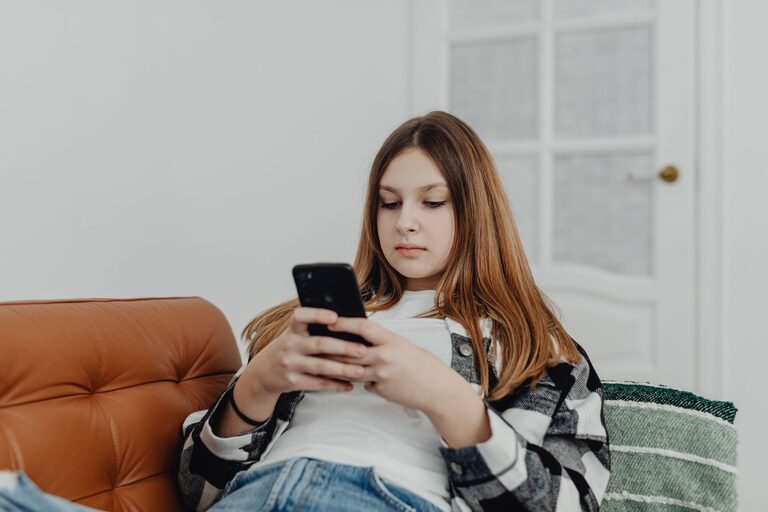
Your phone can help you work, learn, connect, and stay organized. However, it can also make it easy to lose track of time, interrupt important tasks, or fill every quiet moment with scrolling. Healthy phone habits are not about giving up technology. They are about using it with more purpose and creating boundaries that support your daily routine.
Small changes can make your phone feel less distracting and more useful. The key is to start with a few practical habits and adjust them to fit your lifestyle.
Understand How You Use Your Phone
Before changing your habits, spend a few days noticing how you use your phone. You do not need to judge your behavior or make immediate changes. Simply look for patterns.
Ask yourself:
– Which apps do you open most often?
– When do you usually check your phone?
– What activities are interrupted by notifications?
– Do you use your phone because you have a clear purpose, or out of habit?
– Which parts of your day feel most affected by phone use?
Your phone’s built-in screen-time tools can provide useful information. Look at your total usage, most-used apps, and the number of times you pick up your phone. This information can help you choose realistic goals instead of relying on guesswork.
Set Clear Phone-Free Times
Phone-free periods create space for important activities and real-world interactions. You might start with one or two specific times each day rather than trying to avoid your phone for long stretches.
Good opportunities include:
– During meals
– While working on a focused task
– During conversations
– In the first part of your morning
– Before going to bed
– During hobbies that require your full attention
Place your phone in another room, inside a bag, or across the room when you want a genuine break. Keeping it out of immediate reach reduces the temptation to check it automatically.
If you need to remain available, allow calls or messages from selected contacts while silencing less important alerts.
Manage Notifications
Notifications are designed to attract attention, but not every alert deserves an immediate response. Too many notifications can divide your attention throughout the day.
Review your notification settings and turn off alerts that are not necessary. You may want to keep notifications for:
– Calls from important contacts
– Calendar reminders
– Travel updates
– Delivery information
– Work messages during working hours
Consider disabling alerts for social media, shopping apps, games, and other services that do not require a quick response. You can still check these apps when it suits you.
A simple notification system can also help. Use sound or vibration for urgent items, banners for useful reminders, and no alerts for everything else.
Make Your Home Screen More Intentional
Your home screen influences what you open first. If it is filled with brightly colored social media and entertainment apps, you may be more likely to use them without thinking.
Try these adjustments:
– Keep only essential apps on the first screen.
– Move distracting apps into folders or to later pages.
– Remove apps you no longer use.
– Use a simple wallpaper.
– Add helpful tools such as a calendar, notes app, or weather widget.
– Log out of services you want to use less often.
You can also use app limits or focus modes to create gentle reminders. These tools work best as support, not as punishment. If a limit feels too strict, adjust it until it is practical enough to follow.
Create a Better Morning Routine
Many people reach for their phones as soon as they wake up. This can make the day feel reactive, with other people’s messages and updates setting the agenda.
Try delaying phone use for the first 15 to 30 minutes of your morning. Use that time to:
– Drink water or prepare breakfast
– Get ready without distractions
– Review your schedule
– Write down priorities
– Stretch or take a short walk
– Enjoy a quiet start to the day
If you use your phone as an alarm, place it away from your bed. This makes it less convenient to start scrolling and encourages you to get up when the alarm rings.
Protect Your Focus
Frequent phone checks can make it harder to complete tasks that require concentration. Instead of responding to every alert, create planned times to check messages and email.
For example, you might check messages:
– At the beginning of a work session
– During a short break
– Around lunchtime
– At the end of the workday
During focused work, turn on a focus mode or silence nonessential notifications. If you are working on a computer, keep your phone out of sight unless you need it for the task.
A useful rule is to do one thing at a time. If you are reading, cooking, studying, or speaking with someone, give that activity your full attention whenever possible.
Build Healthier Evening Habits
Using a phone late in the evening can make it easier to continue working, watching videos, or scrolling when you intended to stop. A consistent wind-down routine can help you create a clearer end to the day.
Consider these habits:
– Set a regular time to stop checking work messages.
– Charge your phone outside the bedroom or away from your bed.
– Use a traditional alarm clock if needed.
– Replace late-night scrolling with reading, music, or quiet conversation.
– Turn on a warmer display setting if it feels more comfortable.
– Avoid starting exciting or stressful content right before bed.
You do not need to make your evening routine perfect. Even a 20-minute phone-free period can create a useful transition between daily responsibilities and rest.
Use Your Phone to Support Good Habits
Your phone does not have to be a source of distraction. It can also support routines and organization.
Useful tools include:
– Calendar reminders for appointments and tasks
– Notes for ideas and shopping lists
– Timers for focused work sessions
– Maps for walking or public transportation
– Podcasts or audiobooks for commutes
– Habit trackers for goals
– Camera tools for recording useful information
Choose tools that solve a specific problem. Avoid downloading several apps for the same purpose, as too many options can create more clutter and distractions.
Be Thoughtful About Social Media
Social media can be enjoyable, but unplanned use can take more time than expected. Decide how you want to use each platform before opening it.
You might choose to:
– Follow accounts that provide useful or enjoyable content.
– Unfollow topics that consistently make you feel distracted.
– Set a daily time window for browsing.
– Avoid social media during meals and conversations.
– Save interesting posts for a scheduled time.
– Remove apps from your phone and access them through a browser.
Remember that you control your feed. Reviewing who and what you follow can make your online experience more relevant and manageable.
Review Your Habits Regularly
Healthy phone habits are easier to maintain when you review them from time to time. Once a week, consider what worked and what did not.
Ask:
– Did I have enough uninterrupted time?
– Which notifications were unnecessary?
– Did I use my phone for my intended purpose?
– When did I feel most distracted?
– What small change would help next week?
Focus on progress rather than perfection. A missed phone-free meal or an evening of extra scrolling does not mean your efforts have failed. Simply return to the habits that support your goals.
The best phone routine is one you can follow consistently. Start with one change, such as turning off nonessential notifications or keeping your phone away during meals. As that habit becomes familiar, add another. Over time, these small decisions can help you use your phone more deliberately while leaving more room for focus, connection, and everyday life.